Новости
Importing payments
3 июля 2026
Now you can import payments from a 1C statement. To do this, go to the "Import payments" section and click "Import"
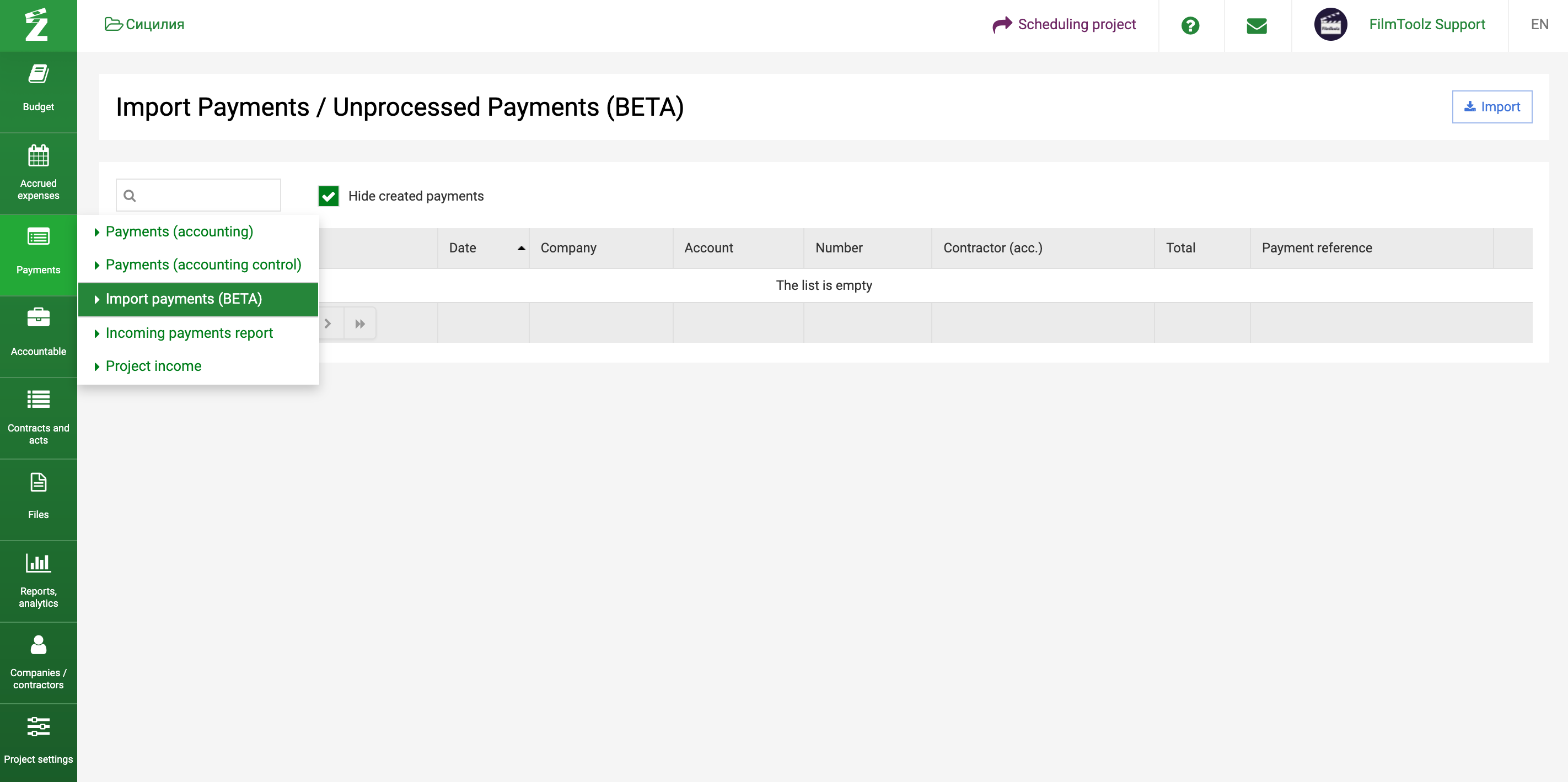
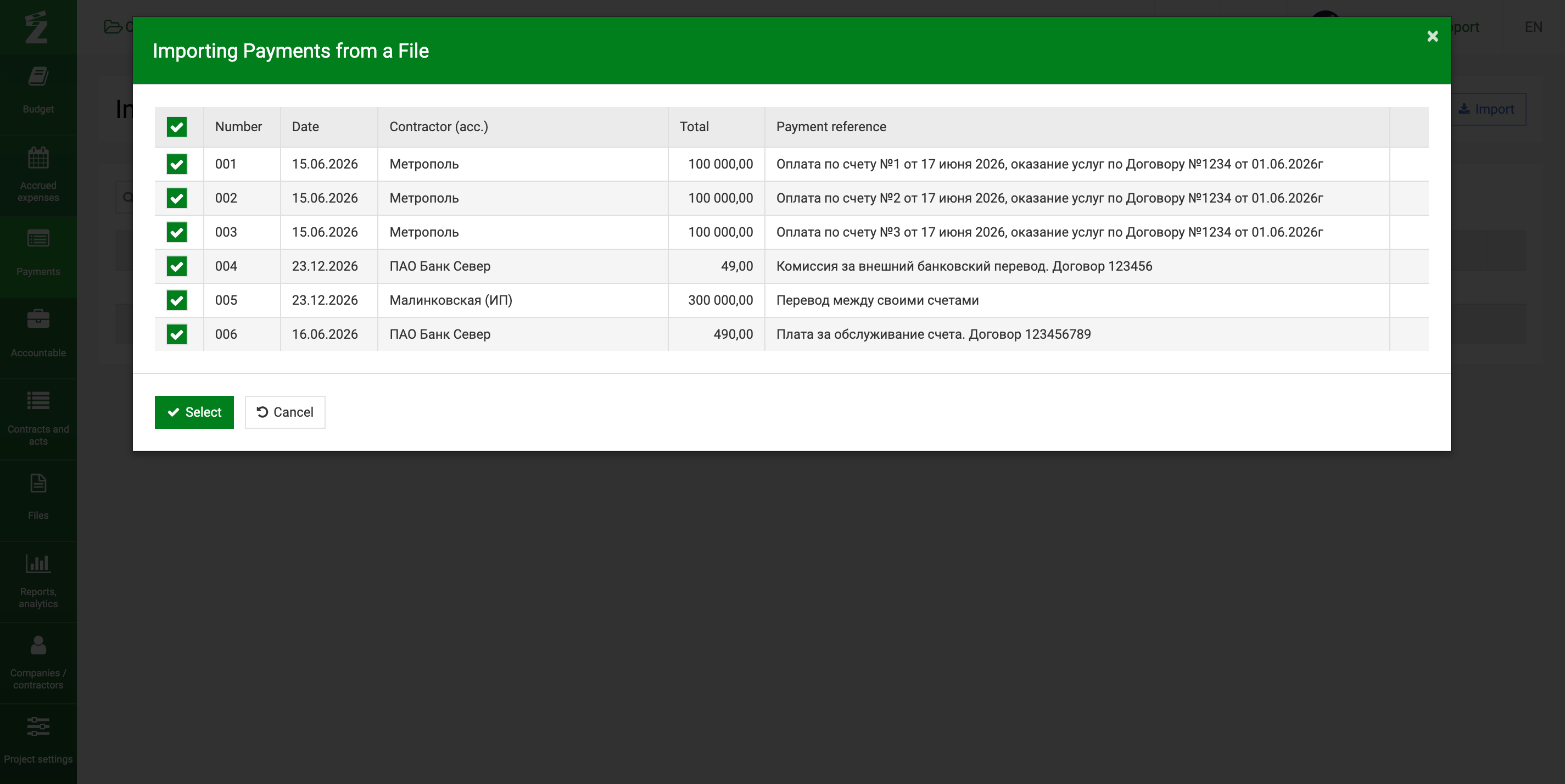
Next, select the company and account, upload the file (it should be downloaded from 1C) and click Import. The system imports the payment number, date, counterparty, amount, and destination from the file.
After the import, the payments must be processed and supplemented with the missing information. Only then will they be included in the list of buh/upr payments. Before processing, they are displayed in the "Import payments" section and are not counted in the system as full-fledged payments.
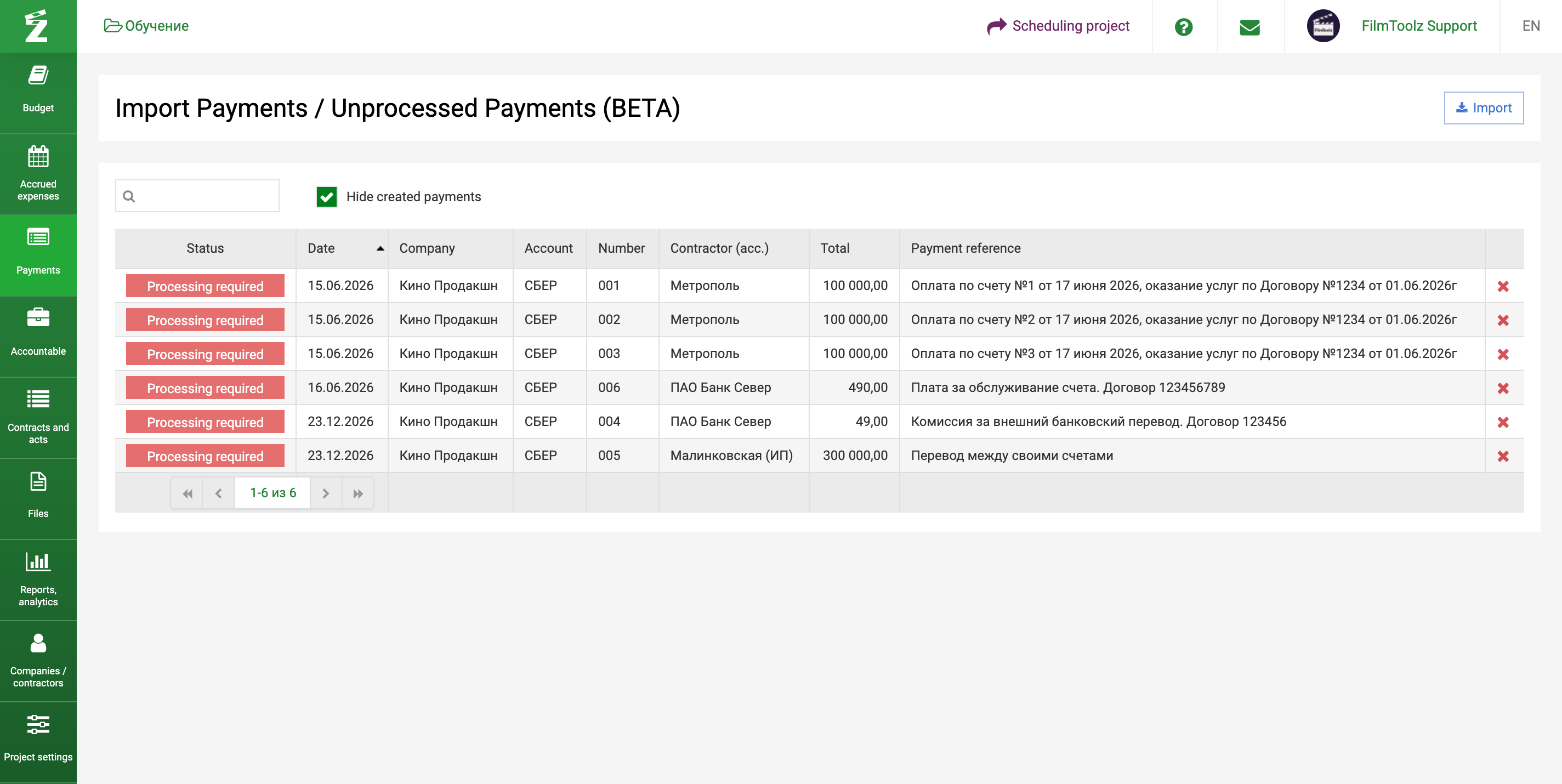
To process a payment, simply click on it and fill in the required fields. After that, the payment will appear in the payment processing list, and it will be marked as processed in the "Import payments" section.